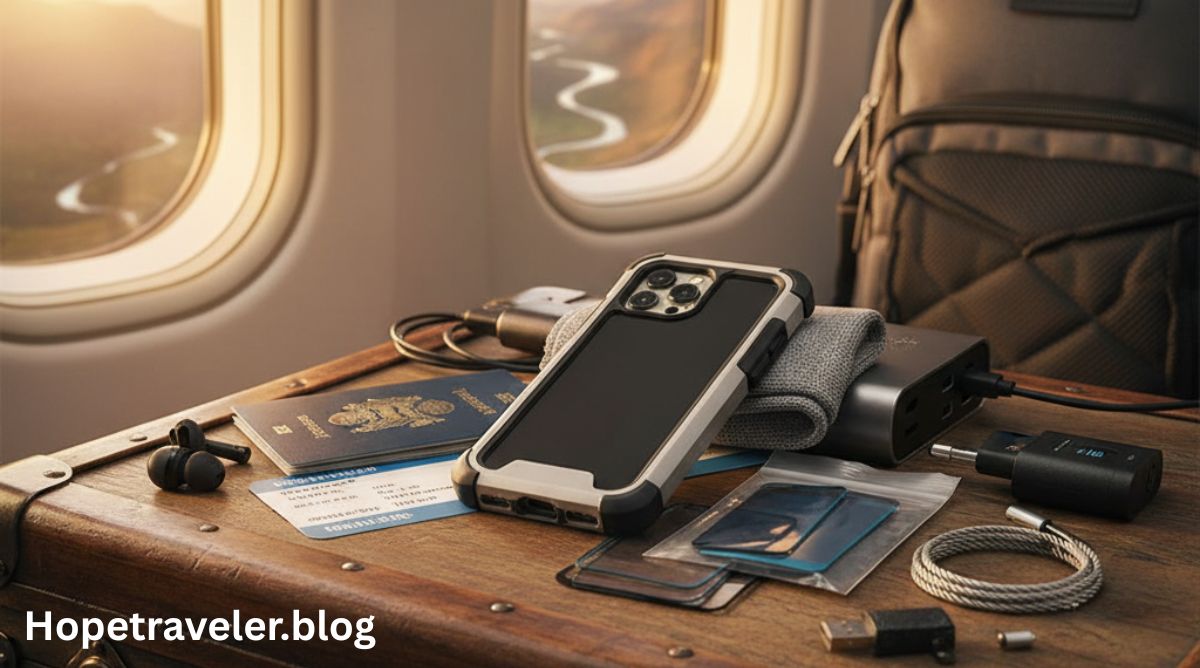
In today’s digital era, mobile devices have become essential travel companions. Whether you’re heading abroad for business or leisure, your smartphone, tablet, or laptop holds sensitive information—personal photos, passwords, financial data, and even work-related files. Unfortunately, this also makes your device a prime target for thieves, hackers, and cybercriminals.
So, how can you protect a mobile device while traveling? The key lies in adopting smart physical and digital security practices before, during, and after your journey. This article explores effective ways to safeguard your devices, data, and privacy while on the move.
Understanding the Importance of Mobile Device Protection
Your mobile device is much more than a communication tool—it’s a gateway to your personal and professional life. According to Wikipedia’s Mobile Security page, mobile security refers to the protection of smartphones, tablets, and other portable computing devices from threats like malware, unauthorized access, and data breaches.
When traveling, these risks increase significantly because:
- You connect to public Wi-Fi networks.
- You may lose your device in transit.
- Hackers may target tourists in airports, hotels, or cafés.
- Your device may be stolen or tampered with by malicious actors.
Being proactive about security helps ensure that your data—and your peace of mind—remain intact throughout your travels.
Before You Travel: Prepare Your Device
Protecting your device begins before you even leave home. A few preventive steps can dramatically reduce your risk of losing data or being hacked.
1. Update Your Operating System and Apps
Outdated software often contains vulnerabilities that hackers exploit. Ensure your phone, tablet, and laptop are running the latest operating system and app versions. Regular updates include crucial security patches that fix known weaknesses.
2. Back Up Your Data
Always back up your files to a secure cloud service or external hard drive. That way, even if your device is lost, stolen, or damaged, your important data remains safe.
- Use Google Drive, iCloud, or OneDrive for automatic backups.
- For sensitive data, consider encrypted storage solutions.
3. Encrypt Your Device
Device encryption ensures that even if your phone is stolen, no one can read your data without your password. Most modern smartphones offer built-in encryption settings under “Security” or “Privacy.”
Learn more about data protection from Wikipedia’s Encryption article, which explains how encryption converts data into unreadable code for unauthorized users.
4. Set Strong Passwords and Biometric Locks
Avoid simple PINs like “1234” or “0000.” Instead:
- Use a complex alphanumeric passcode.
- Enable fingerprint or facial recognition for added protection.
- Avoid using the same password for multiple accounts.
5. Install Anti-Theft Software
Applications such as Find My iPhone (iOS) or Find My Device (Android) help you locate, lock, or wipe your phone remotely if it’s lost.
6. Remove Unnecessary Data and Apps
Before traveling, delete sensitive files and uninstall apps you don’t need. This reduces your digital footprint and limits the amount of information available if your device is compromised.
During Travel: Stay Alert and Secure
Once you’re on the road, vigilance is key. Your mobile device can become vulnerable the moment you connect to a public network or leave it unattended.
1. Avoid Public Wi-Fi Networks
Public Wi-Fi networks—especially in airports, cafés, and hotels—are often unsecured. Hackers can easily intercept your data using methods like man-in-the-middle attacks.
If you must use public Wi-Fi:
- Connect only to networks with a password.
- Use a Virtual Private Network (VPN) for encrypted connections.
- Avoid accessing banking or sensitive work information.
You can learn about how VPNs work on Wikipedia’s Virtual Private Network page.
2. Disable Bluetooth and NFC When Not in Use
Bluetooth and Near Field Communication (NFC) connections are convenient but risky. Hackers can exploit these to access your phone or track your location. Turn them off unless absolutely necessary.
3. Be Careful With Charging Stations
Public USB charging stations can be manipulated by cybercriminals to install malware on your device—an attack known as juice jacking.
Instead:
- Use your own power adapter and wall plug.
- Consider a USB data blocker that prevents data transfer while charging.
4. Keep Your Device Physically Secure
Physical theft is still one of the biggest risks.
- Never leave your device unattended in public.
- Use hotel safes or locked luggage compartments.
- When in crowded areas, keep your phone in your front pocket or a zippered bag.
5. Use Secure Messaging Apps
When communicating abroad, choose apps that offer end-to-end encryption, such as Signal, WhatsApp, or Telegram. This ensures that your messages cannot be read by anyone other than the intended recipient.
6. Beware of Social Engineering
Scammers may pose as hotel staff, customs officials, or even colleagues to trick you into revealing personal information. Always verify identities before sharing sensitive data.
Cybersecurity Practices on the Go
1. Use a VPN at All Times
A VPN (Virtual Private Network) encrypts your internet connection, preventing hackers or surveillance agencies from snooping on your activities.
- Always turn on your VPN before connecting to public Wi-Fi.
- Choose reputable VPN services with no-logs policies.
2. Avoid Auto-Connect Features
Many devices automatically connect to known networks. Disable this option to prevent automatic connections to malicious Wi-Fi hotspots.
3. Monitor Your Accounts Regularly
Check your banking and email accounts for unusual activity. Enable two-factor authentication (2FA) to add another layer of security.
4. Keep Bluetooth Hidden
Set your Bluetooth to “non-discoverable” mode so nearby attackers can’t detect your device.
After Traveling: Secure Your Device and Data
Once you return home, don’t forget to take a few extra precautions to ensure your device hasn’t been compromised during the trip.
1. Change Your Passwords
If you used your accounts on public networks abroad, change your passwords as soon as you’re home. This prevents unauthorized access in case someone intercepted your credentials.
2. Scan for Malware
Run a comprehensive security scan using trusted antivirus software.
Examples include Bitdefender, Norton, or Kaspersky mobile security apps.
3. Review Permissions and Apps
Uninstall any apps you downloaded while abroad and review app permissions for privacy violations.
4. Check for Unusual Behavior
If your phone battery drains quickly, overheats, or behaves oddly, it might have been infected with spyware or malware. In such cases, consider factory resetting your device.
5. Update Your Software Again
New updates may patch vulnerabilities discovered during your travels. Ensure all systems are up to date after your return.
Advanced Tips for Business Travelers
Those traveling for corporate or government work should adopt additional measures:
- Carry “clean” devices that contain only essential information.
- Avoid plugging into foreign computers or USB drives.
- Use encrypted communication apps approved by your organization.
- Attend defensive travel briefings if handling sensitive information.
Such practices align with cyber hygiene principles discussed on Wikipedia’s Computer Security page.
Why Mobile Device Protection Matters More Than Ever
In an interconnected world, cyber threats are growing both in sophistication and scale. Mobile devices serve as digital passports containing vast amounts of personal and professional data. A single security lapse while traveling can result in:
- Identity theft
- Financial fraud
- Corporate espionage
- Data loss
The Global Cybersecurity Index, referenced on Wikipedia’s Cybercrime article, highlights that international travelers face some of the most aggressive cyberattacks in the digital ecosystem.
Conclusion
So, how can you protect a mobile device while traveling? It begins with a combination of preparation, awareness, and disciplined habits.
- Update and encrypt your devices before departure.
- Stay vigilant about Wi-Fi and physical safety during your trip.
- Clean up and re-secure your devices after returning.
By following these steps, you can minimize the risk of theft, data breaches, and cyber espionage—ensuring your digital life remains secure wherever your journey takes you.
Wikipedia References: